Qloud on the web
Hey, I'm Qloud
Now in your browser.
Ask Qloud about the game you’re playing, right here on QnA.GG. It reads the web for you and gives you a straight answer, then writes it up as a guide when you want one to keep.
Qloud answers on your own Claude, OpenAI or OpenRouter API key, and your provider bills you for what you use.
- 1Sign in
- 2Add your API key
- 3Ask away
01 / ASK QLOUD
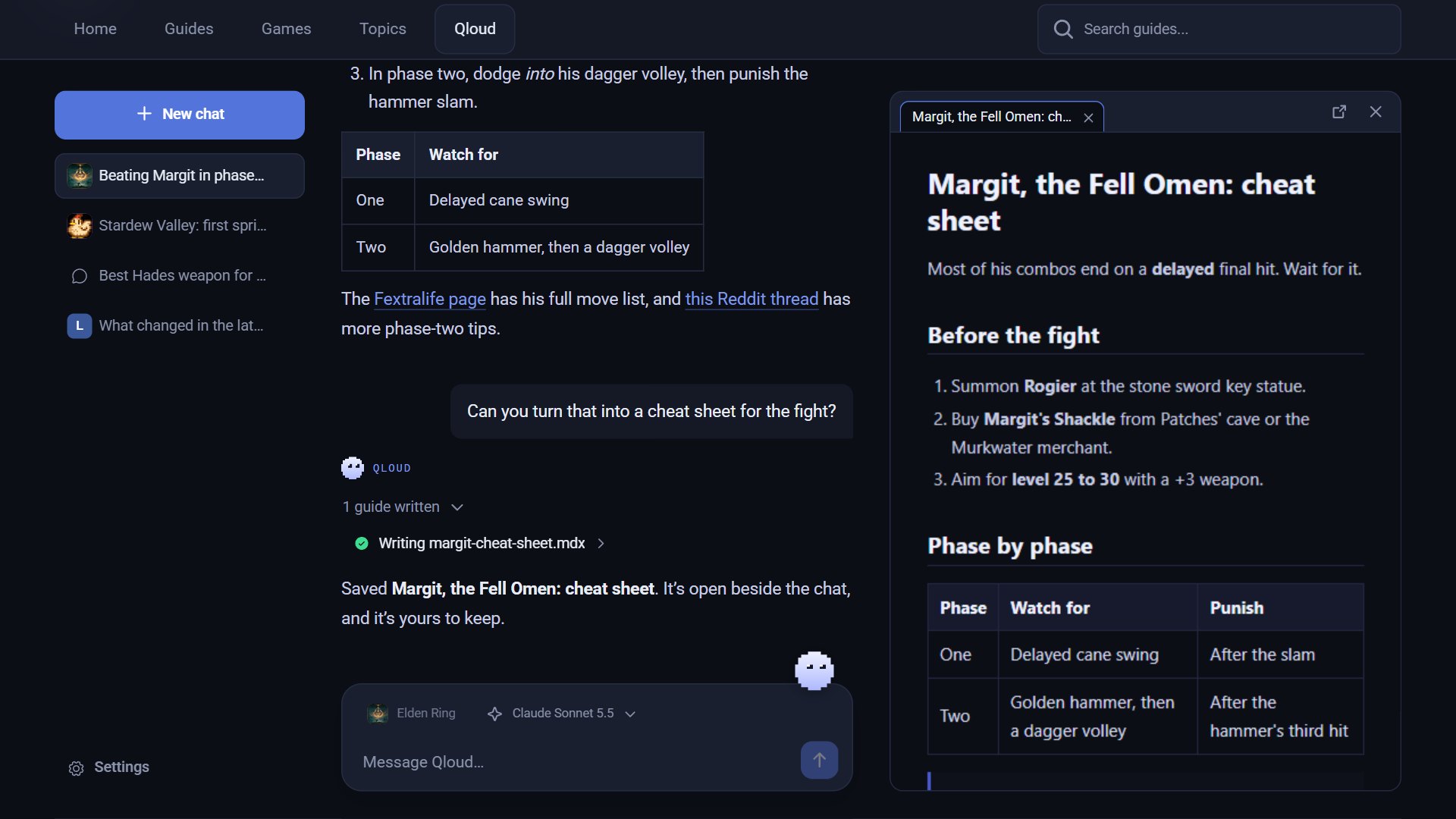
Ask anything. It does the reading.
Stuck on a boss, planning a build, or wondering what the last patch changed? Qloud searches the web and reads the pages worth reading before it answers.
- Watch it work: each guide it checks and page it reads shows as it goes.
- The pages behind an answer are listed beside the chat, so you can check the details.
- Let it use the guides players share on QnA.GG, and it links the ones that help.
02 / YOURS TO KEEP
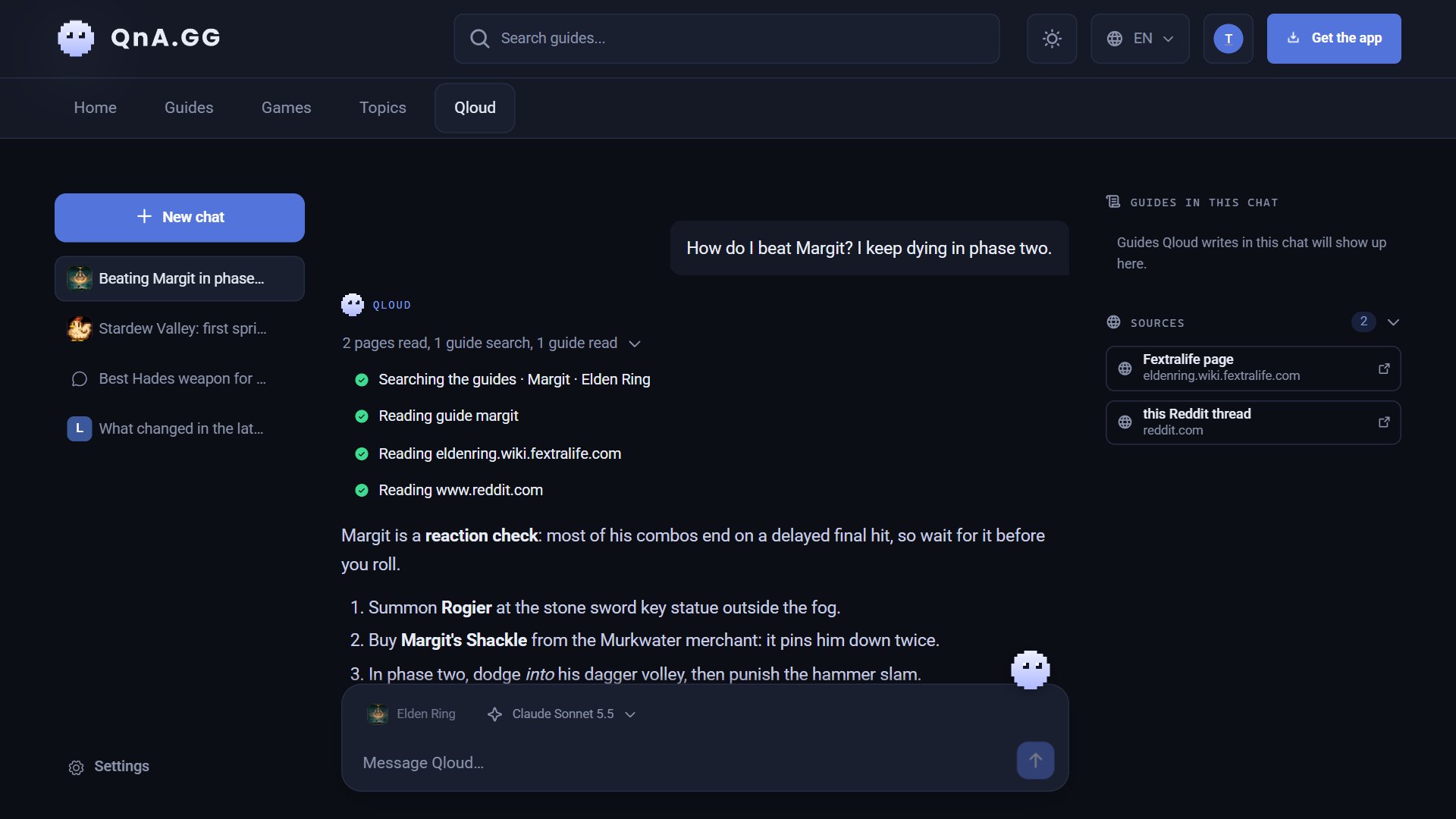
Turn answers into guides.
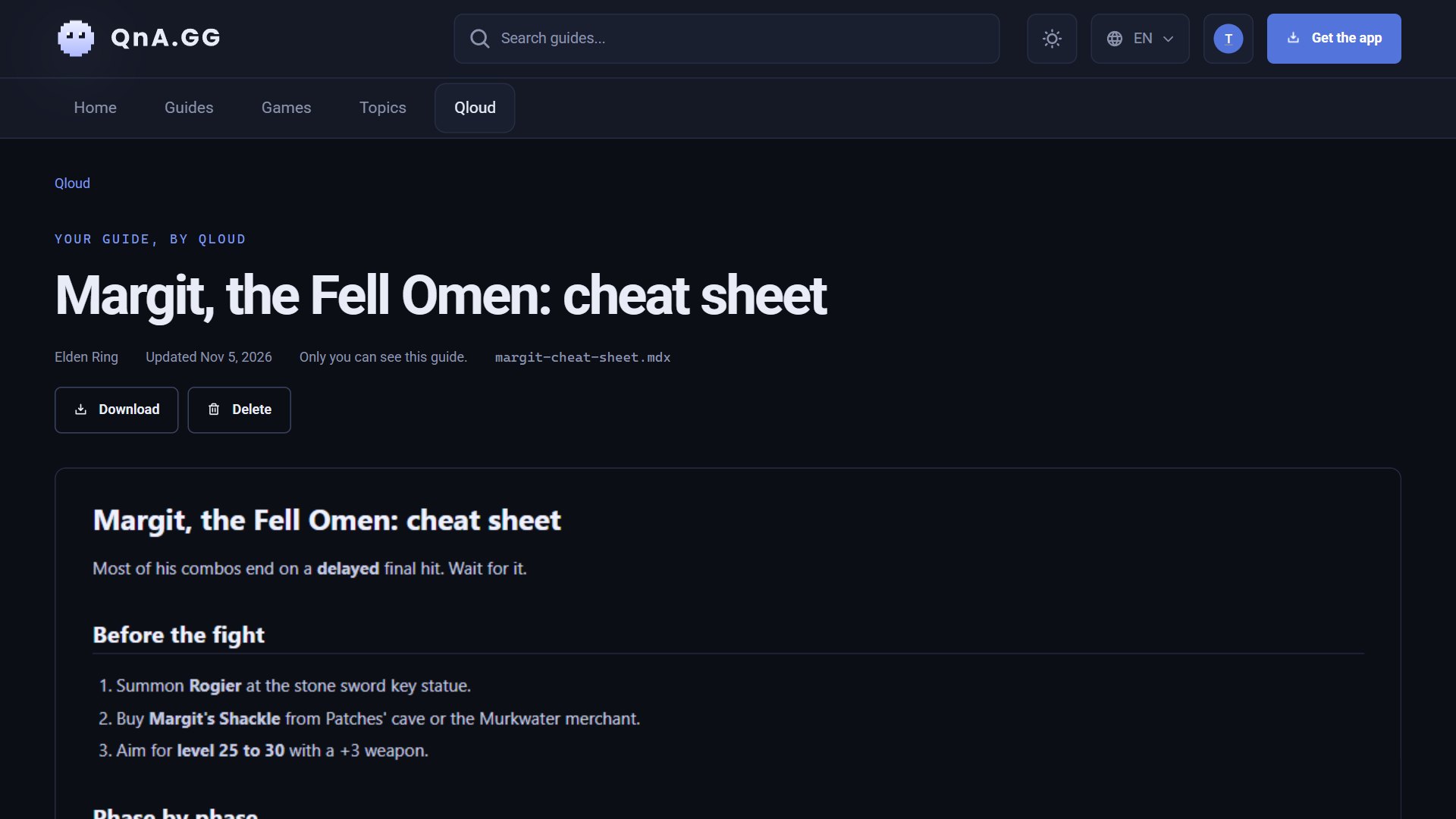
Ask for a cheat sheet, a walkthrough, or a checklist, and Qloud writes it up. It opens beside the chat the moment it’s saved.
- Kept with your account, for your eyes only.
- Want it changed? Ask, and Qloud edits it in place.
- Open any guide on its own page, or download it as Markdown.
03 / YOUR KEY, YOUR ACCOUNT
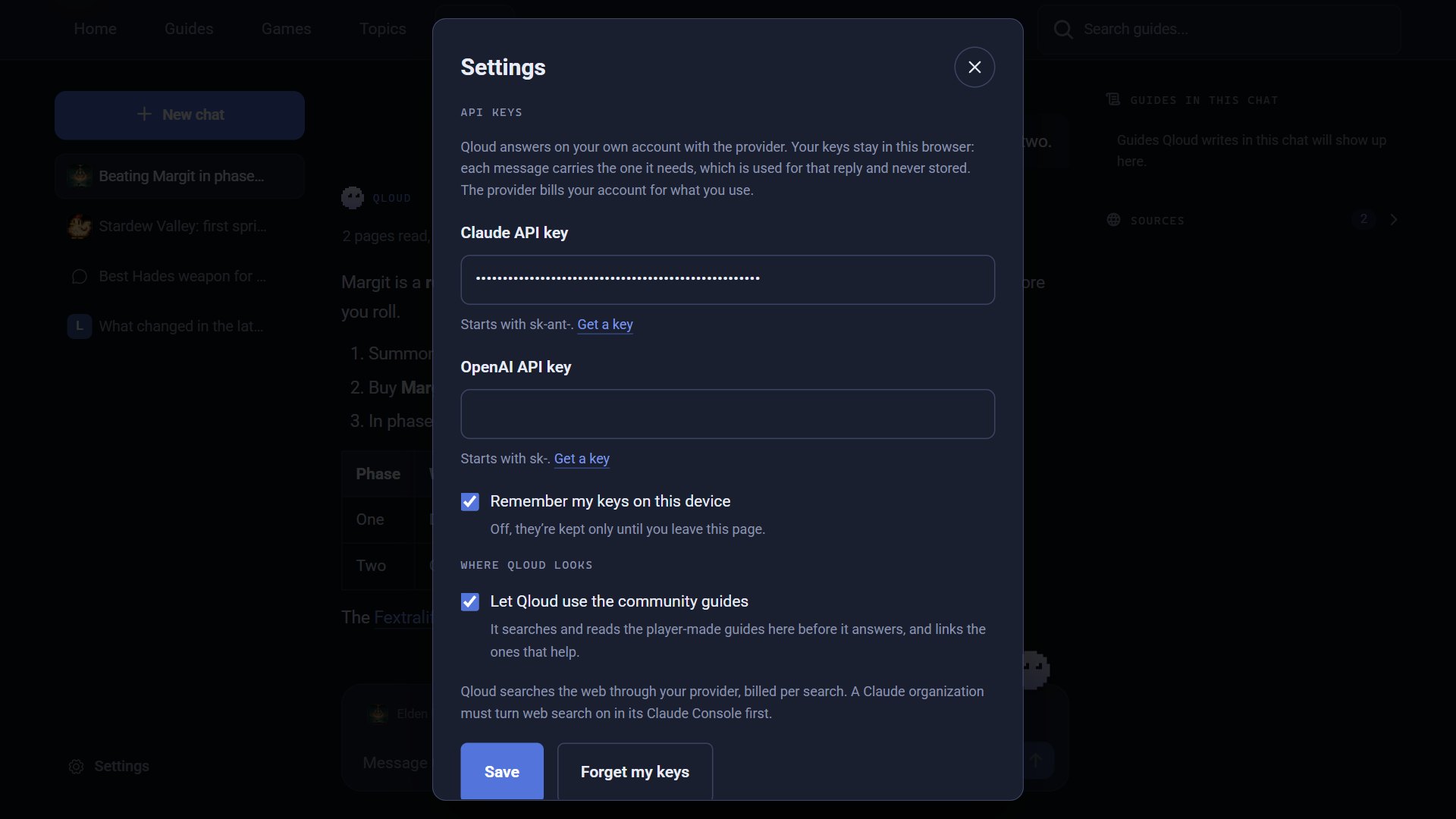
Your key. Your pick of model.
Qloud answers on your own Claude, OpenAI or OpenRouter account, so you choose the model and pay your provider only for what you use.
- Your key stays in your browser. Each message carries it to your provider, and the site never stores it.
- Remember it on this device, or keep it only until you leave the page.
- Switch models whenever you like: Claude, OpenAI, or any of the hundreds on OpenRouter.
Picks up where it left off
Your chats are kept with your account, and a reply that gets cut off carries on from where it stopped.
Up to date
Web search is always on, so new patches and seasons are covered.
Knows the library
It can search the guides players have shared on QnA.GG, and credits their authors.
Private chats
No other player can open your chats.
Nothing to install
Qloud works in your browser, on your phone too.
Beside your game, too
The QnA desktop app knows what you’re playing, and adds voice input and an in-game overlay.
WHAT YOU NEED
- An account. Sign in to keep your chats with you.
- An API key from Anthropic, OpenAI or OpenRouter. A Claude organization also has to turn web search on in its Claude Console.
- Your provider’s terms. Replies and web searches are billed to your API account, and your provider’s terms apply.